Screenshots
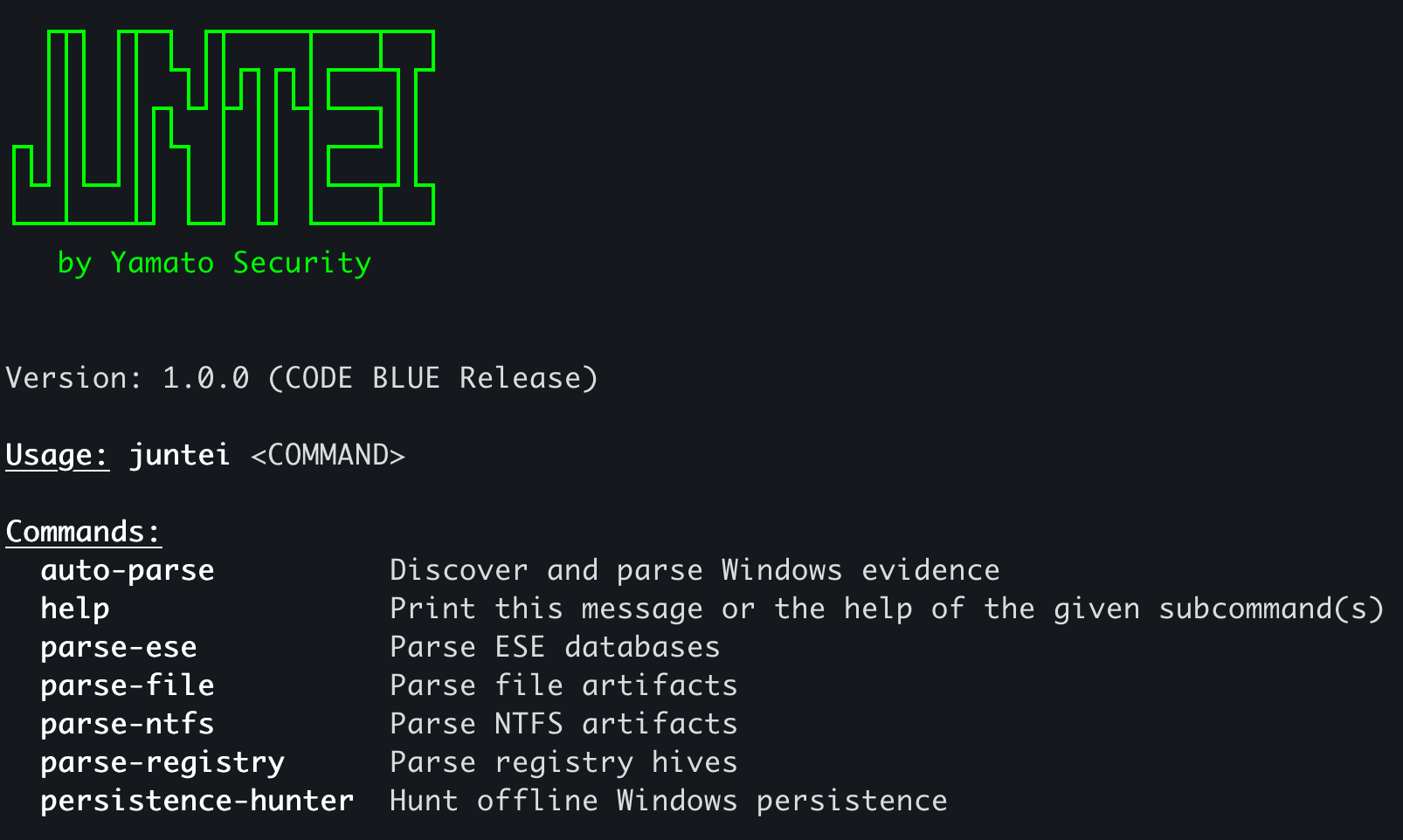
Explore Juntei's command line, automatic parsing, and organized investigation results. Click a screenshot to view it at full size.
1. Startup and commands
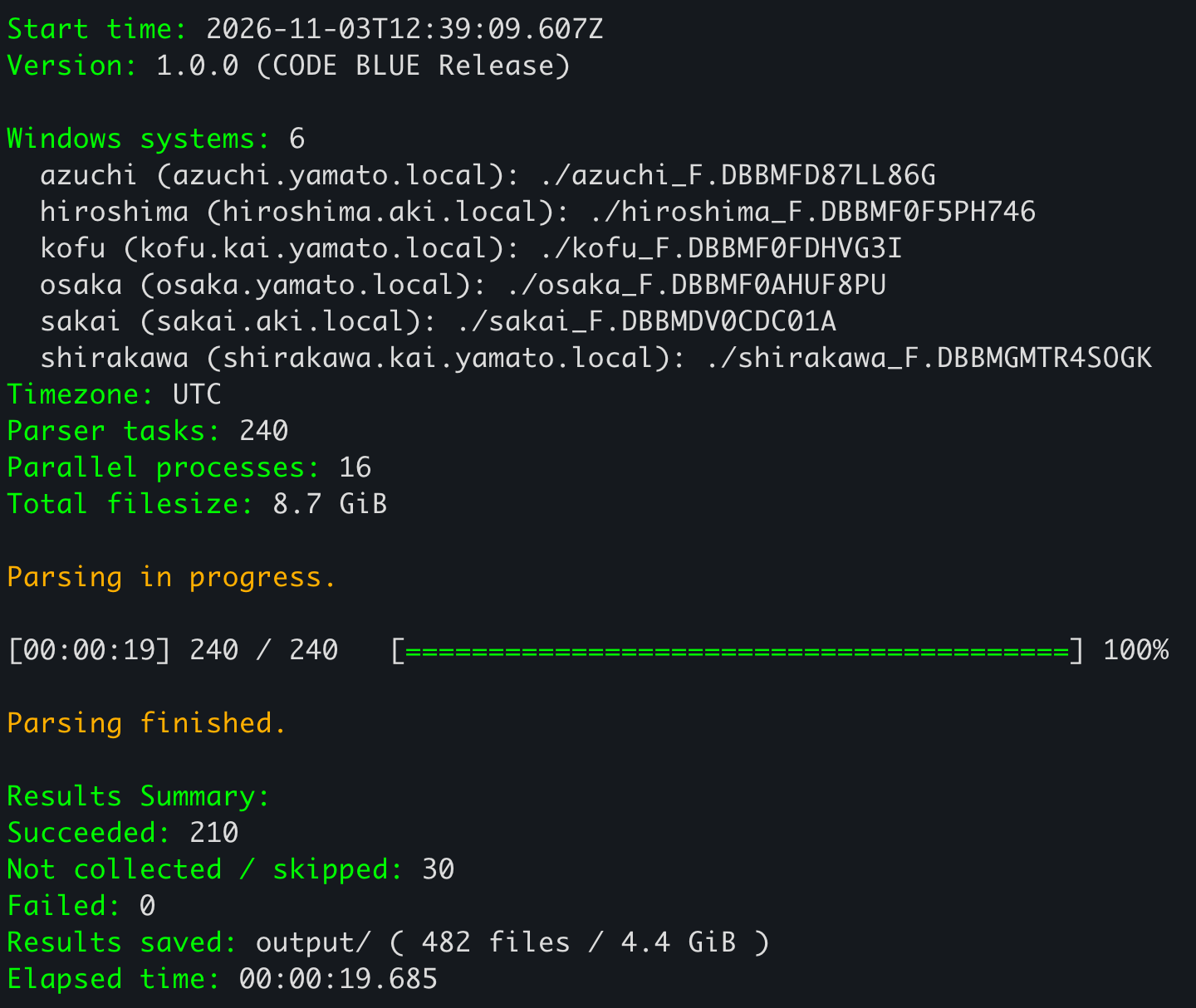
2. Automatic parsing in under 20 seconds
On a MacBook Pro M4, the run shown below parsed 8.7 GiB of collected Windows data from six systems and saved 4.4 GiB of output in less than 20 seconds. The auto-parse command ran 240 parser tasks using 16 parallel processes and produced 482 result files. There were 210 successful tasks, 30 skipped because the artifacts were not collected, and zero failures.
3. Results organized for investigation
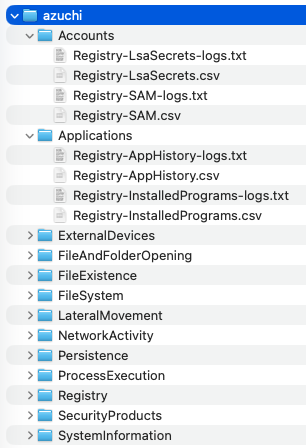
-logs.txt files stay together, making it easy to find both the records and parsing details.